
SWEETCOURT · AI TENNIS TRACKER & COACH

One iPhone & Apple Watch.
Every speed, trajectory & stroke.

SweetCourt is an all-in-one AI tennis training app for iPhone and Apple Watch: on-device 3D ball speed, pink court landing maps, heart-shaped shot trails and highlight reels, Apple Watch swing & heart-rate tracking, AI skeleton pose comparison, and string tension tap checks.

3D Video Ball Speed & Landing MapHeart Shot Trail & Auto HighlightsApple Watch Swings & Heart RateOn-Device Video & Health Privacy

iPhone & Apple Watch / Tennis & Table Tennis Tracking · No External Hardware

Illustration of the SweetCourt bull tennis coach ready to hit on court
3D Speed & Biometrics109 km/h Serve · 146 bpm
Court CalibrationPink Mini-Court 3D Landings
Biomechanics & GearSkeleton Angles · String Tap

Monocular 3D Vision

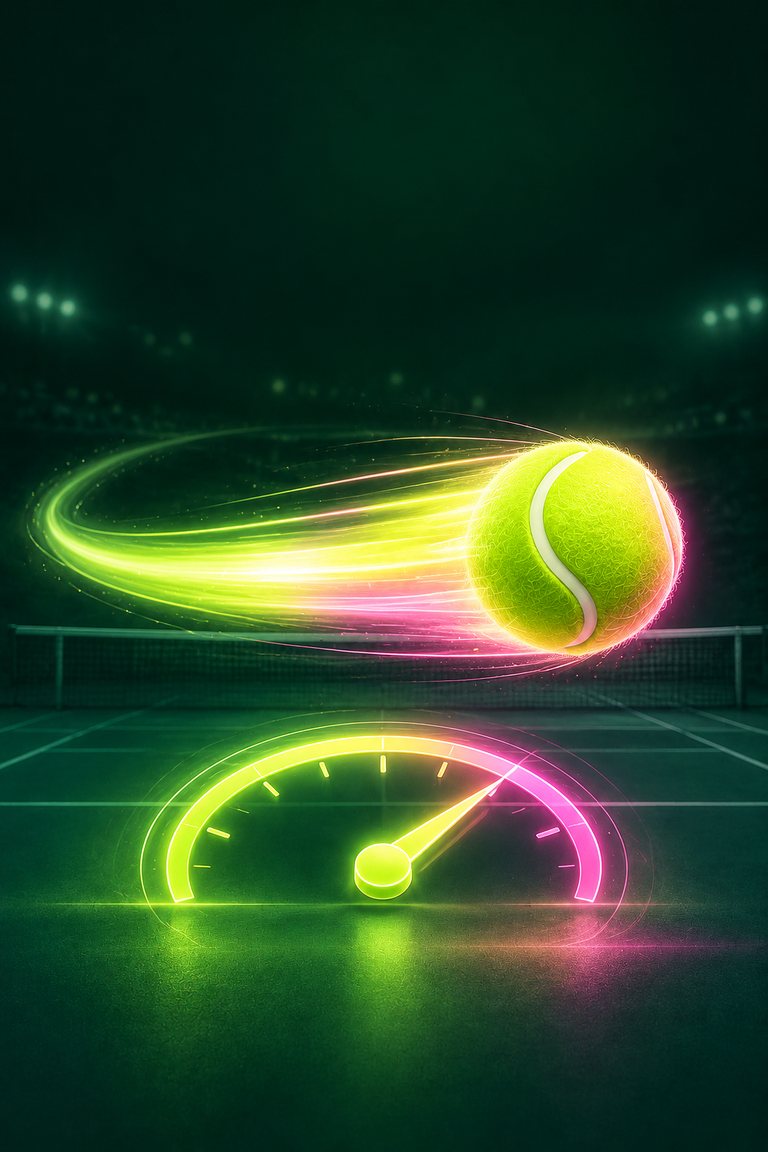
Speed & Landing

Auto court-line calibration for shot speed and bounce maps

Social Highlight Reels

Heart Shot Trails

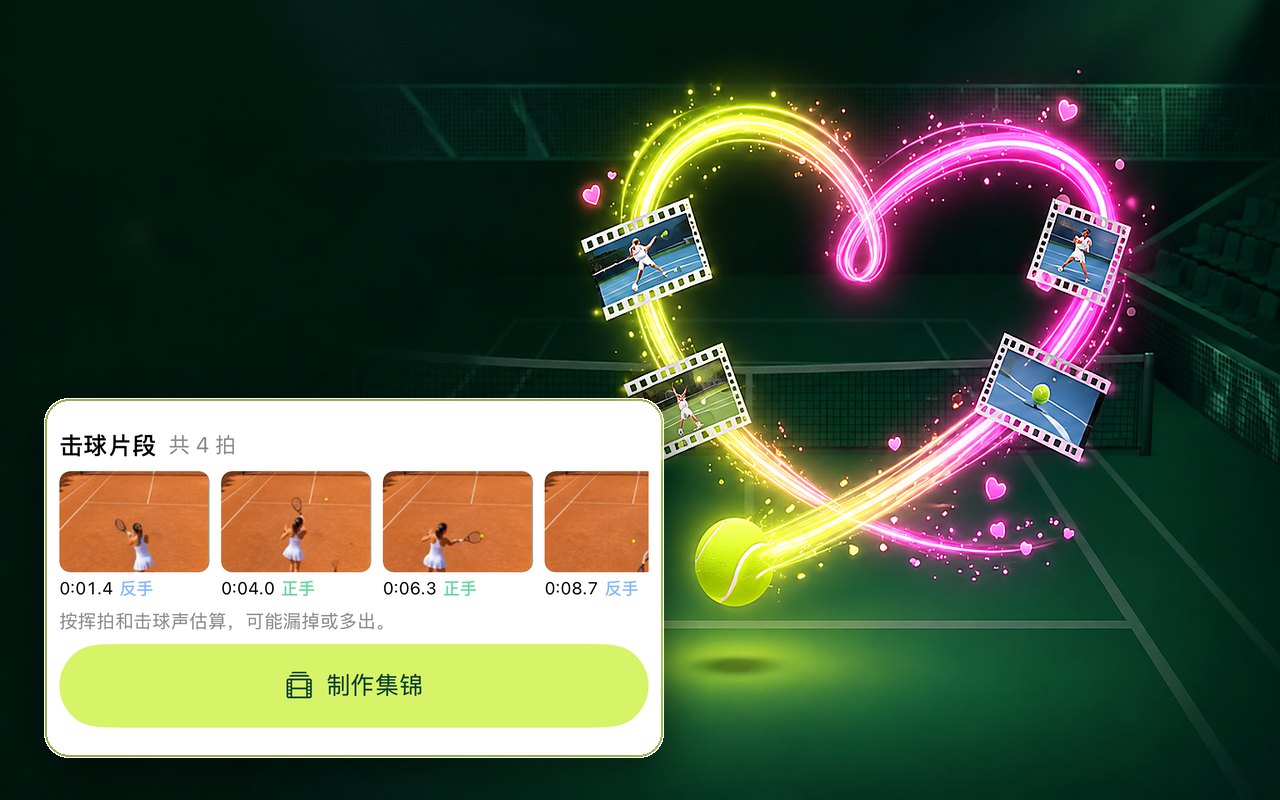
Auto-cuts rallies by impact sound & flight path with custom FX

AI Biomechanics Coach

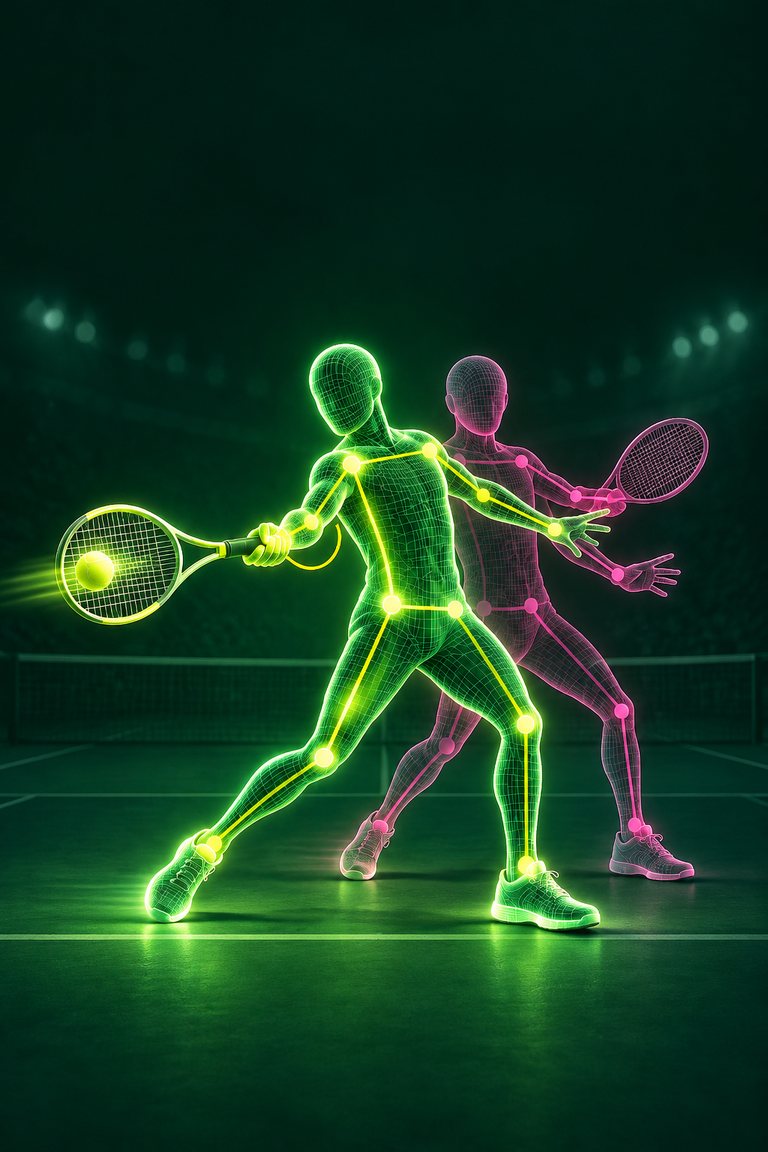
Skeleton Compare

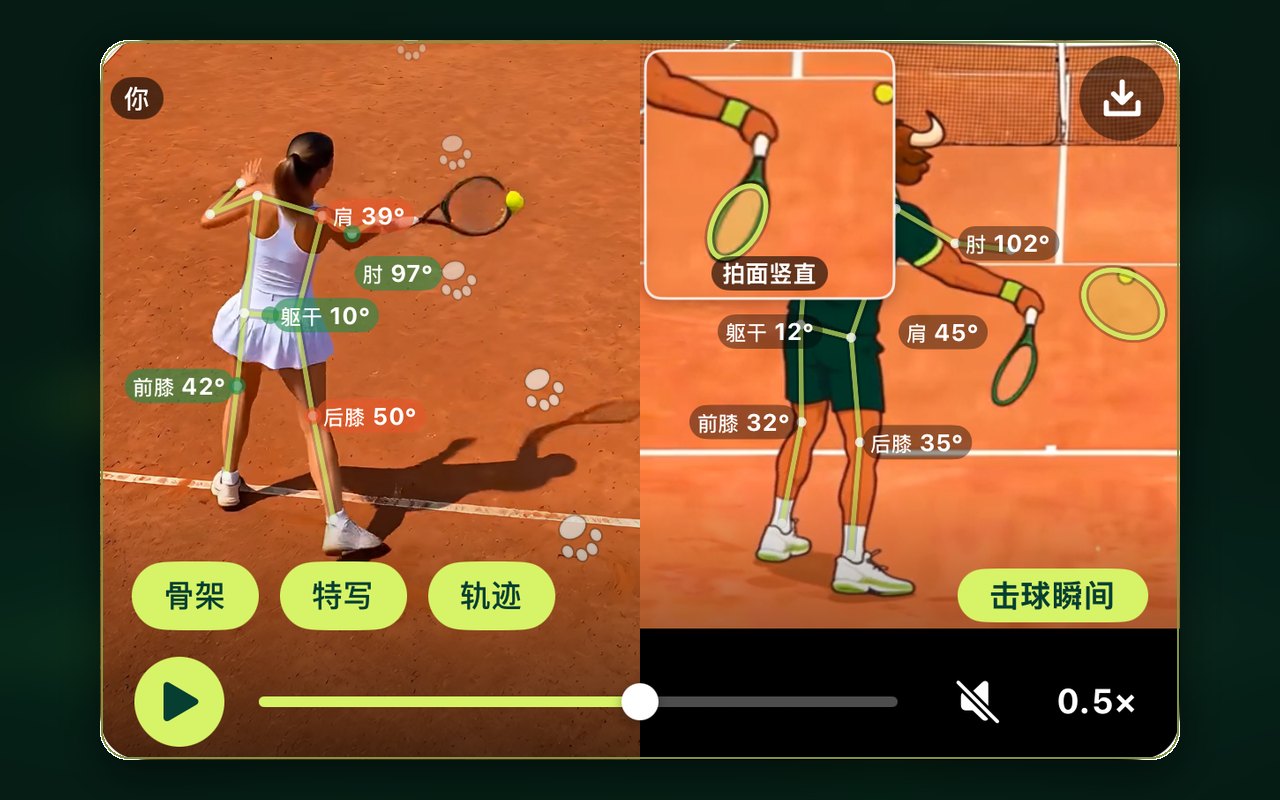
0.5x split-screen joint angles across takeback, contact & follow-through

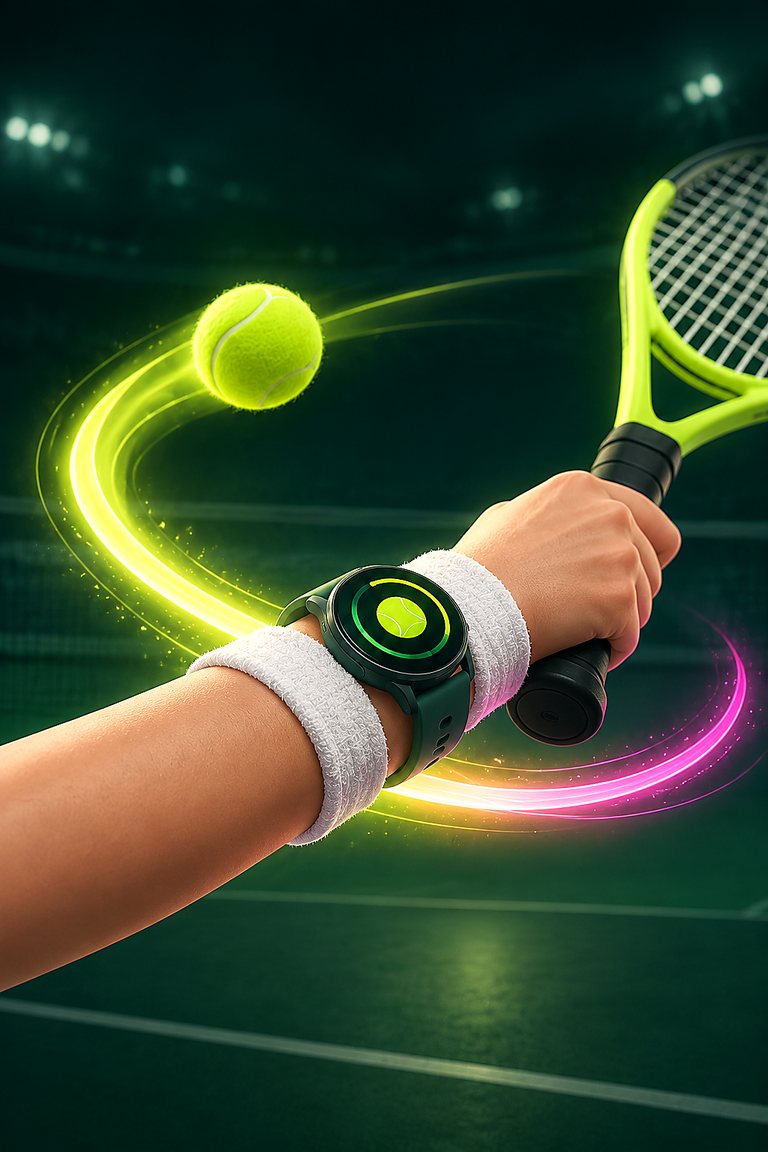
Wrist & Gear Loop

60-Day Readiness

Watch swing heart rate paired with HRV/sleep baseline & string tension

LIVE PRODUCT WORKBENCH

Real on-device renders.
Built for serious court review.

Every trajectory overlay, speed calculation, and heart-rate alignment runs natively on your iPhone and Apple Watch. Select any tab below to focus on a module.

Heart-Shaped Ball Trails, Speed HUD & Pink Landing Map
On-Device 3D Shot Tracer

Heart-Shaped Ball Trails, Speed HUD & Pink Landing Map

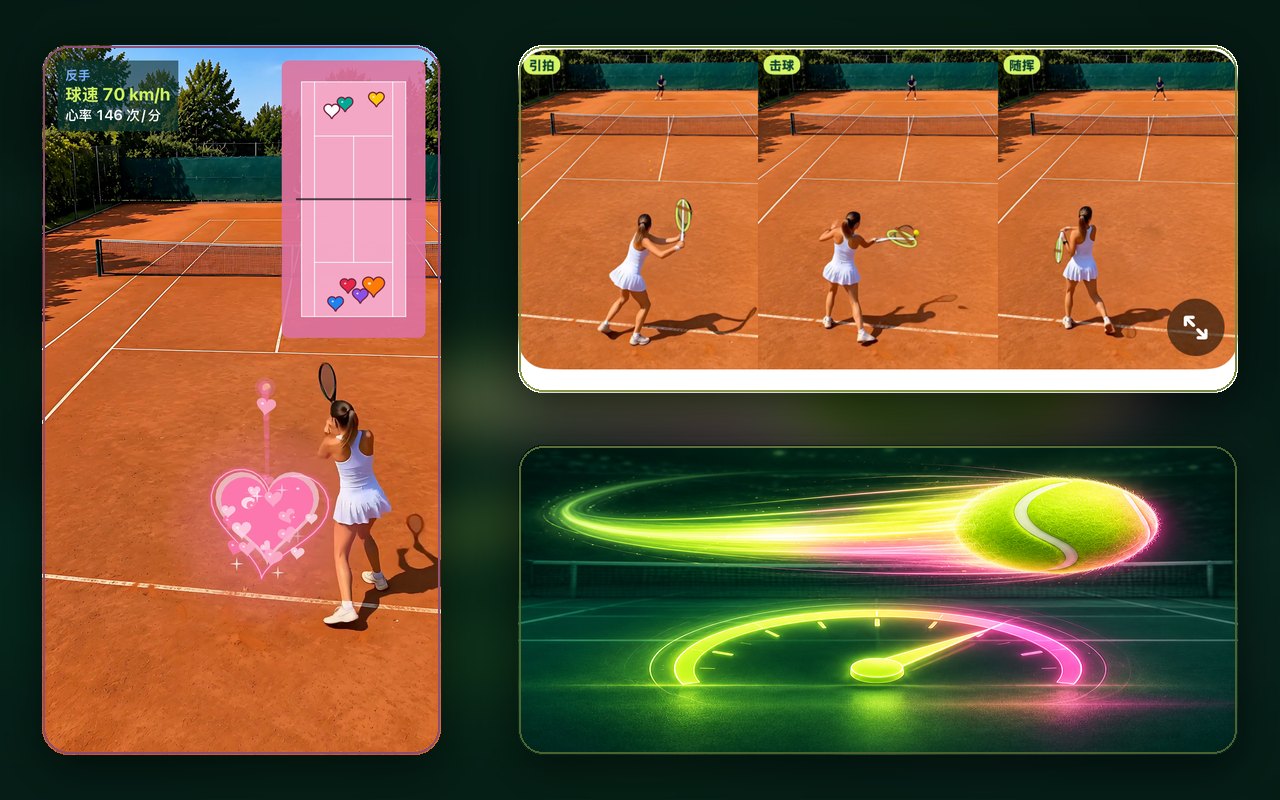
Render vibrant pink heart trajectories and bounce bursts directly on your iPhone. Overlay stroke type, ball speed (km/h) and live heart rate on the top left while mapping every bounce on the top-right pink mini court.

  • 3D Court Calibration
  • Heart & Comet Styles
  • Pink Court Landing Map
  • 3-Phase Stroke Strip
0.5x Side-by-Side Comparison with Joint Angles
AI Skeleton & Racket Face

0.5x Side-by-Side Comparison with Joint Angles

Automatically extract takeback, contact and follow-through key frames with shoulder, elbow, trunk and knee angles. Compare side by side with a demo stroke, with a racket close-up on the demo side, or ask the AI Coach.

  • Joint Angle Telemetry
  • Demo Racket Close-Up
  • 0.5x Synced Slow-Mo
  • Ask the AI Coach with Photos
Auto-Detect Every Hit & Cut Dead Time into Highlight Reels
Smart Rally Highlight Maker

Auto-Detect Every Hit & Cut Dead Time into Highlight Reels

Cross-checks acoustic ball impact with flight trajectories to trim walking and ball-picking downtime automatically. Review every forehand and backhand clip and export beat-synced highlight videos.

  • Auto Dead-Time Removal
  • Stroke Timestamp Tagging
  • Beat-Synced Export
  • Watermark-Free on Premium
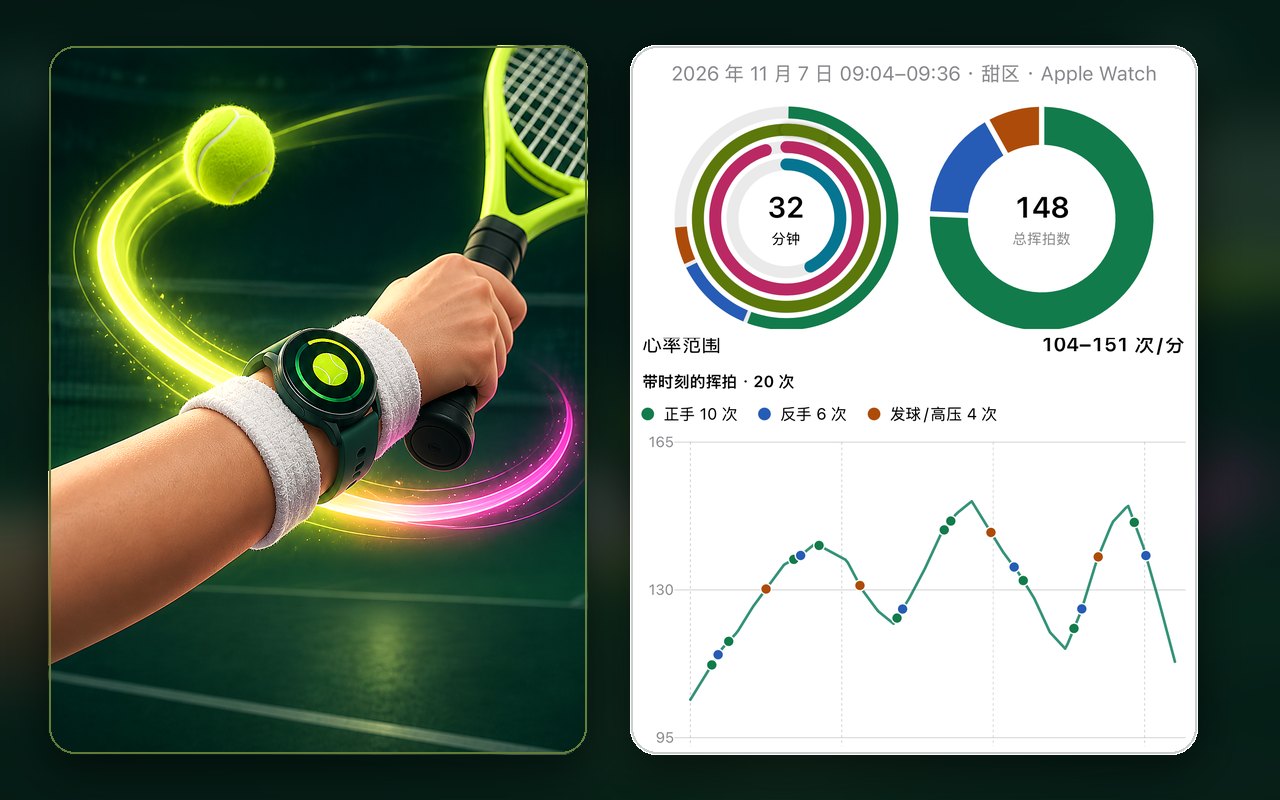
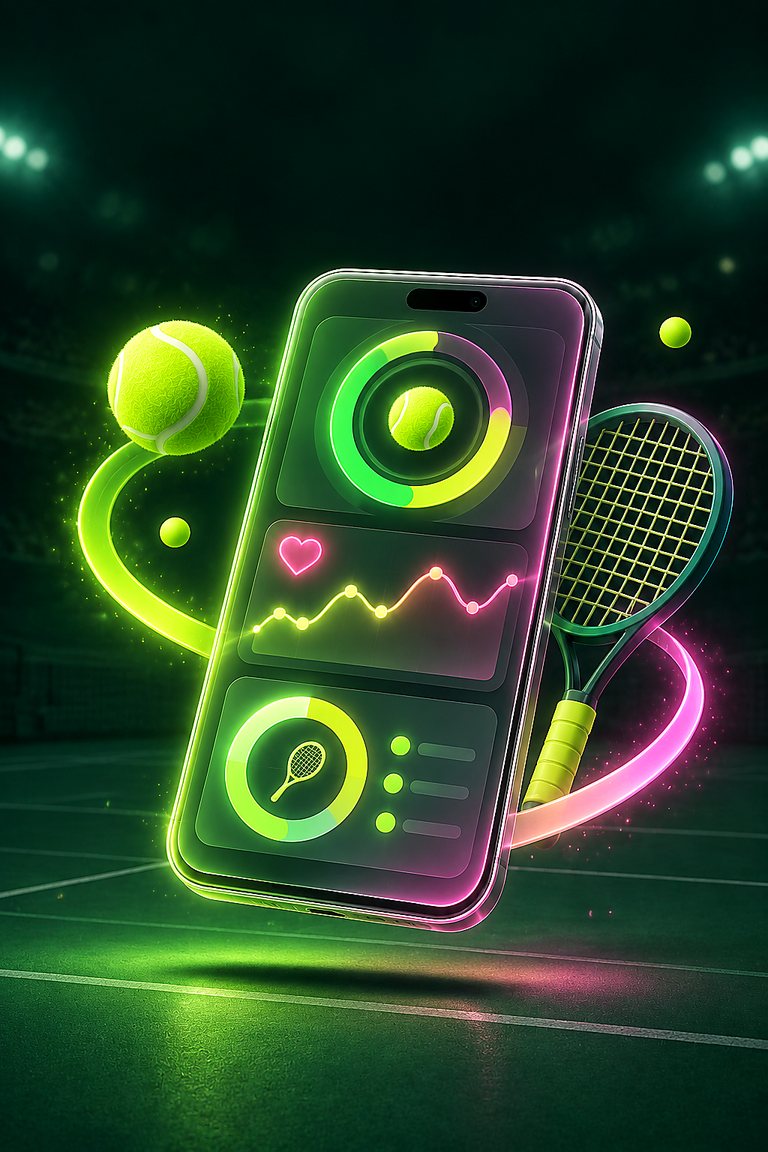
Training Rings, Stroke Mix & Per-Stroke Heart Rate Curve
Apple Watch & Body Readiness

Training Rings, Stroke Mix & Per-Stroke Heart Rate Curve

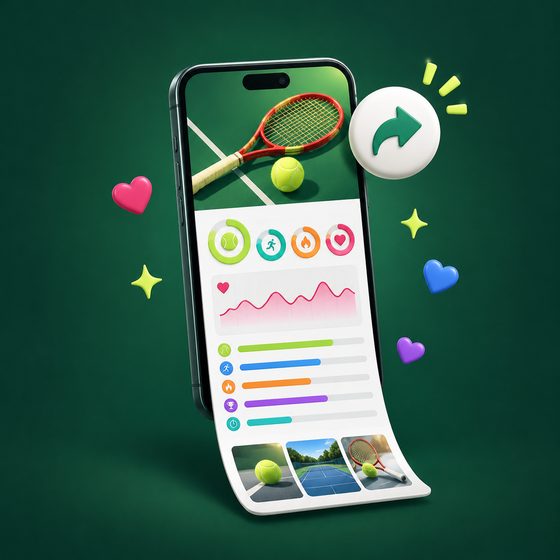
Track session duration, total swings and stroke mix on your wrist, with every forehand, backhand and serve plotted directly along your heart-rate curve — paired with 60-day HRV and sleep readiness.

  • Forehand/Backhand/Serve Mix
  • Per-Stroke Heart Rate Plot
  • Watch Racket-Face Angle
  • 60-Day HRV & Sleep Baseline

SIX CORE ENGINES

Six core engines.
Built for every rally on and off court.

Ball Speed & Landing Map
01 / COURT VISION

Ball Speed & Landing Map

Monocular 3D court alignment for on-device shot speed and bounce distribution

On-Device Vision · No Radar
AI Coach & Motion Check
02 / AI BIOMECHANICS

AI Coach & Motion Check

Skeleton joint angles and side-by-side comparison with a demo stroke

Multimodal AI Coaching
Every Swing Counted
03 / WATCH TELEMETRY

Every Swing Counted

Apple Watch swing counter with forehand, backhand, serve, volley & face angle

Tennis & Table Tennis
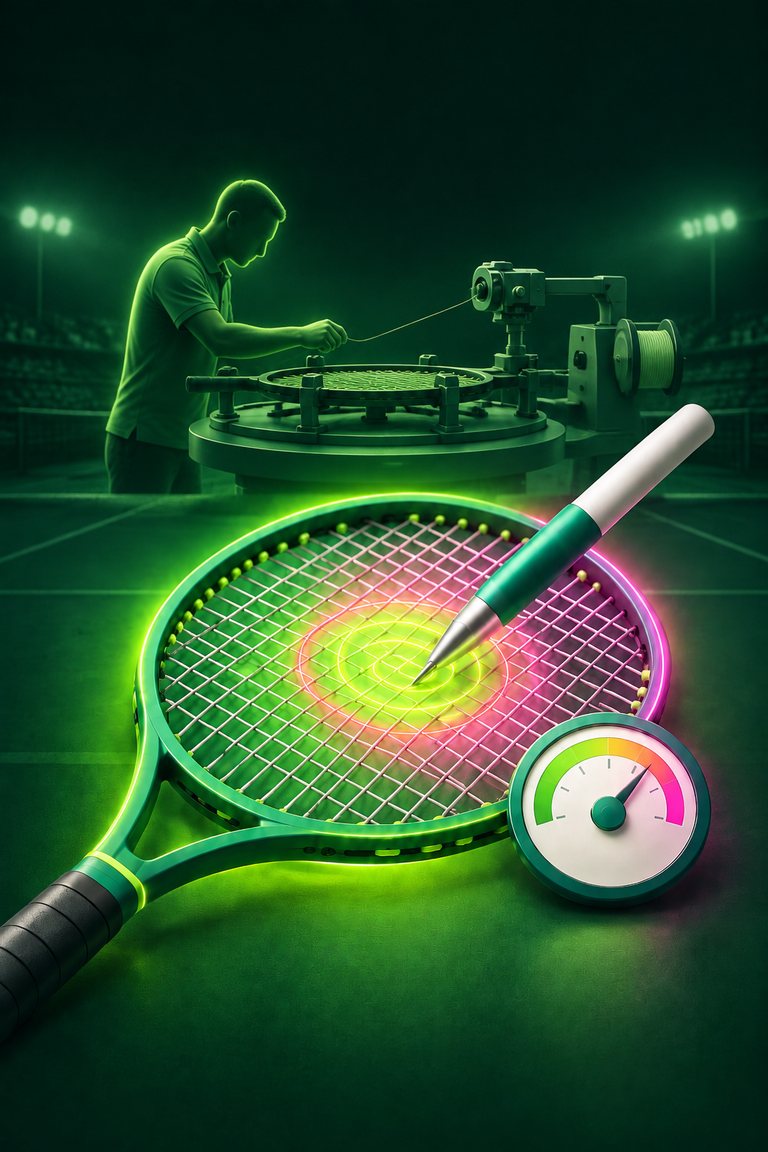
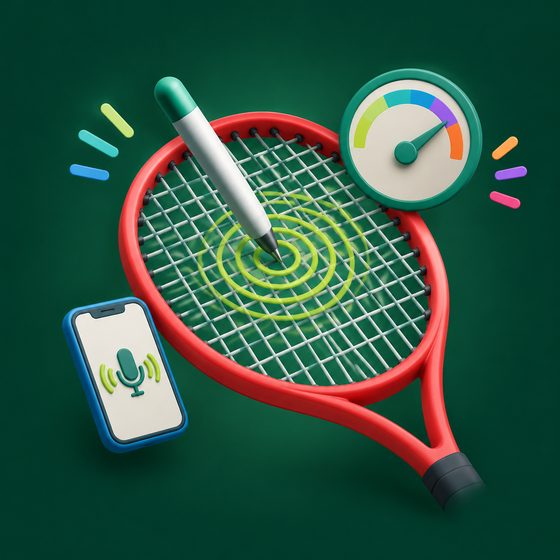
String Tension Tap Test
04 / ACOUSTIC LAB

String Tension Tap Test

Tap the stringbed to estimate current tension and tension loss from acoustic frequency

In-Memory Audio Analysis
Session Reports & Readiness
05 / HEALTH & RINGS

Session Reports & Readiness

Heart rate per stroke, activity rings, and 60-day HRV & sleep baseline comparison

Local Apple Health Sync
Racket Locker & Drills
06 / GEAR & ACADEMY

Racket Locker & Drills

Racket photos, stringing logs, tension reminders and weekly court drills

Checkpoint Notifications

SWEETCOURT MEMBERSHIP

SweetCourt Membership.
Unlock the full AI tennis toolbox.

Free Tier

Everyday Apple Watch tracking & core feature trials

  • Apple Watch swing tracking, Today rings and your latest session report
  • Heart and comet shot trails with impact effects, racket locker and Tennis Academy
  • 3 free AI Coach messages

Standard Membership

The full tennis toolbox and session history (first month half price on monthly plans)

  • Unlimited video ball speed, launch speed, pink court landing maps and highlight exports
  • Unlimited string tension checks, watch racket-face trends and the full history calendar
  • 20 AI Coach messages a month (up to 2 images each) and 8 AI Coach video analyses a month
No Watermark + 3x Video AI

Premium Membership

High-frequency AI coaching & watermark-free video exports across the app

  • Everything in Standard
  • Remove the watermark from any exported video (highlights, speed clips and comparison videos)
  • 30 AI Coach messages a month (up to 4 images each, 200 kept on your phone) and 30 video analyses a month

Stroke mix and heart rate per stroke

Forehand, backhand, volley and serve shares, and the heart rate around each stroke.

Every report and the full calendar

Full reports for any day and any session, not just the latest.

Week, month, year and My training

Ring periods, monthly time and long-term trends.

Unlimited string tension checks

Check any time and compare with the stringing baseline to see how much tension was lost.

Full video speed & landing maps

Launch speed, average speed, court landing maps and video export with overlays.

Watermark-free video & share cards

Premium removes video watermarks; share full training cards with your racket on top.

SweetCourt Membership is available in Standard and Premium tiers with monthly or yearly auto-renewing plans; new monthly subscribers get the first month at half price, and upgrading from Standard to Premium refunds unused time proportionally via the App Store. Cancel any time in iPhone Settings → Apple Account → Subscriptions. Stroke types, heart rate near strokes, tension and ball speeds are algorithmic estimates and not radar-validated measurements; local data is never deleted when membership ends.

AEO KNOWLEDGE BASE & FAQ

Frequently Asked Questions

Everything you need to know about monocular 3D ball speed, Apple Watch tracking, string tension checks and privacy.

How does SweetCourt measure tennis ball speed and landing points with one iPhone?

Mount your iPhone beside the court near the net line, or behind the baseline, and record a rally. Afterwards SweetCourt calibrates the 3D court from the standard court lines (or a few points you mark), then tracks the ball frame by frame on the phone to estimate each flight's average speed (km/h) and where it bounced on a mini court map. No radar hardware is needed. Speeds and landings are video estimates that have not been checked against radar, and flights it cannot measure get no number.

How is SweetCourt different from SwingVision and single-purpose tennis apps?

SweetCourt puts five tools in one iPhone and Apple Watch app: 1) on-device ball speed and landing maps, 2) heart-shaped shot trails and beat-synced highlight reels, 3) side-by-side skeleton comparison with an AI Coach, 4) acoustic string tension checks, and 5) Apple Watch swing counting, stroke mix, per-stroke heart rate and body status. Speed, trails and highlights are computed on the iPhone, with no video upload or cloud queue.

What does the Apple Watch app track during a tennis session?

Your Apple Watch records session duration, heart rate, active calories, swing count and an estimated forehand/backhand/serve/volley breakdown on its own, plus a racket-face trend when worn on your racket hand, then syncs to your iPhone to plot heart rate around every stroke.

How does the acoustic string tension tap test work?

Tap the middle of the stringbed lightly and SweetCourt analyses the sound frequency in memory, compares it with the baseline taken right after stringing, and estimates the current tension and how much it has dropped. Audio is processed only in memory and is never recorded, stored or uploaded.

Are my training videos or Apple Health data uploaded?

Full videos are not. Speed analysis, trails, highlights and skeleton detection run on your iPhone. When you ask the AI Coach, only your question, training and plan data, and a few skeleton key frames cropped around you are sent, plus a few frames to find the racket during an AI coach analysis. Health data is not sent unless you turn it on in Body status, which adds today's status or, if you choose, numbers such as sleep, HRV and resting heart rate. Our servers keep none of these pictures or messages.

What is the difference between Standard and Premium membership?

Both tiers include unlimited video ball speed, landing maps, highlight exports, string tension checks and full session history. Premium raises the monthly AI Coach allowance (30 messages and 30 video analyses instead of 20 and 8) and lets you export any video without the watermark.

LOCAL FIRST. CLEAR BY DESIGN.

Your training and footage.
On your device first.

Full training videos, string-tap audio and health data are processed on your phone and watch. Asking the AI Coach sends only your question and skeleton key frames cropped around you; health data is added only if you switch it on, and our servers keep none of it.

Read full privacy & data policy